

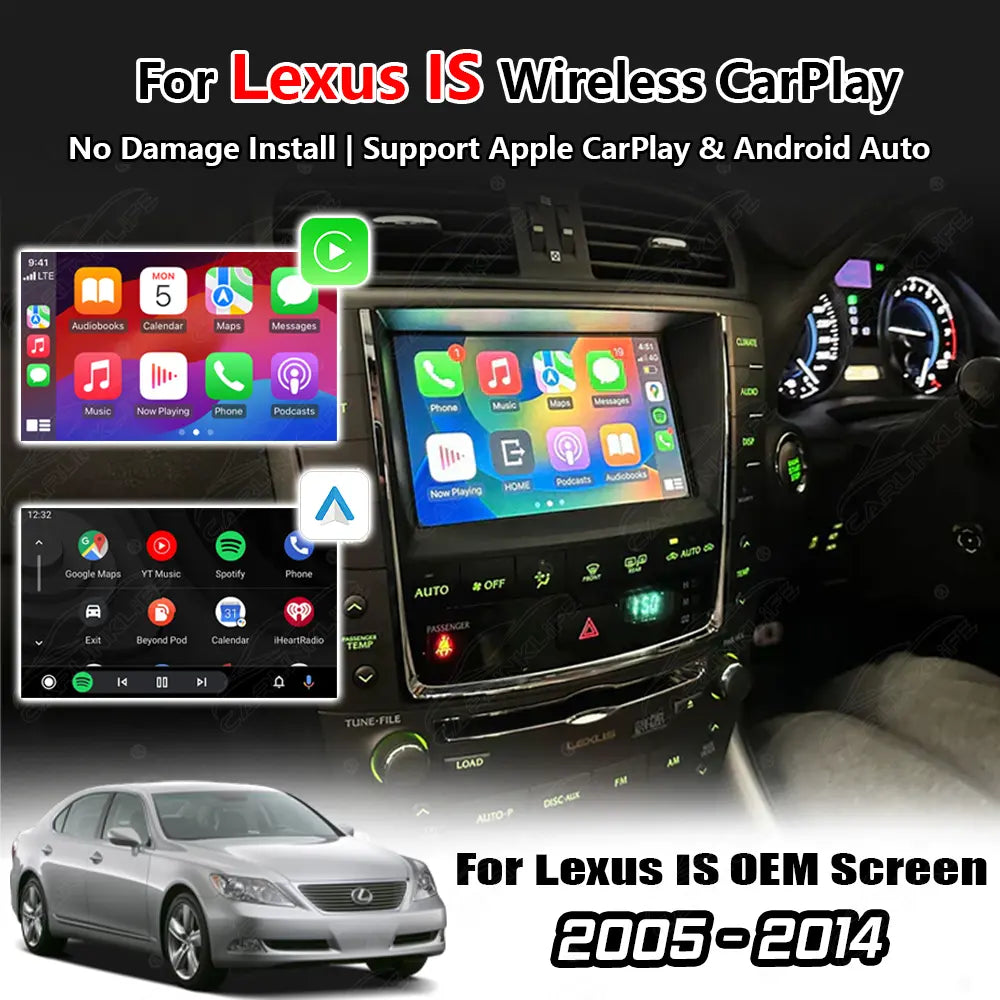
Lexus IS Wireless Apple CarPlay & Android Auto Retrofit Module | OEM Screen Upgrade (2005–2014)
* Fill In Required Information *
POPULAR UPGRADES 👇
Pairs well with
Product Description
Lexus IS Wireless Apple CarPlay & Android Auto Retrofit Module | OEM Screen Upgrade | Compatible with Select 2005–2014 Models
Designed for Compatible Lexus IS Models with Factory Navigation (See Compatibility Below)
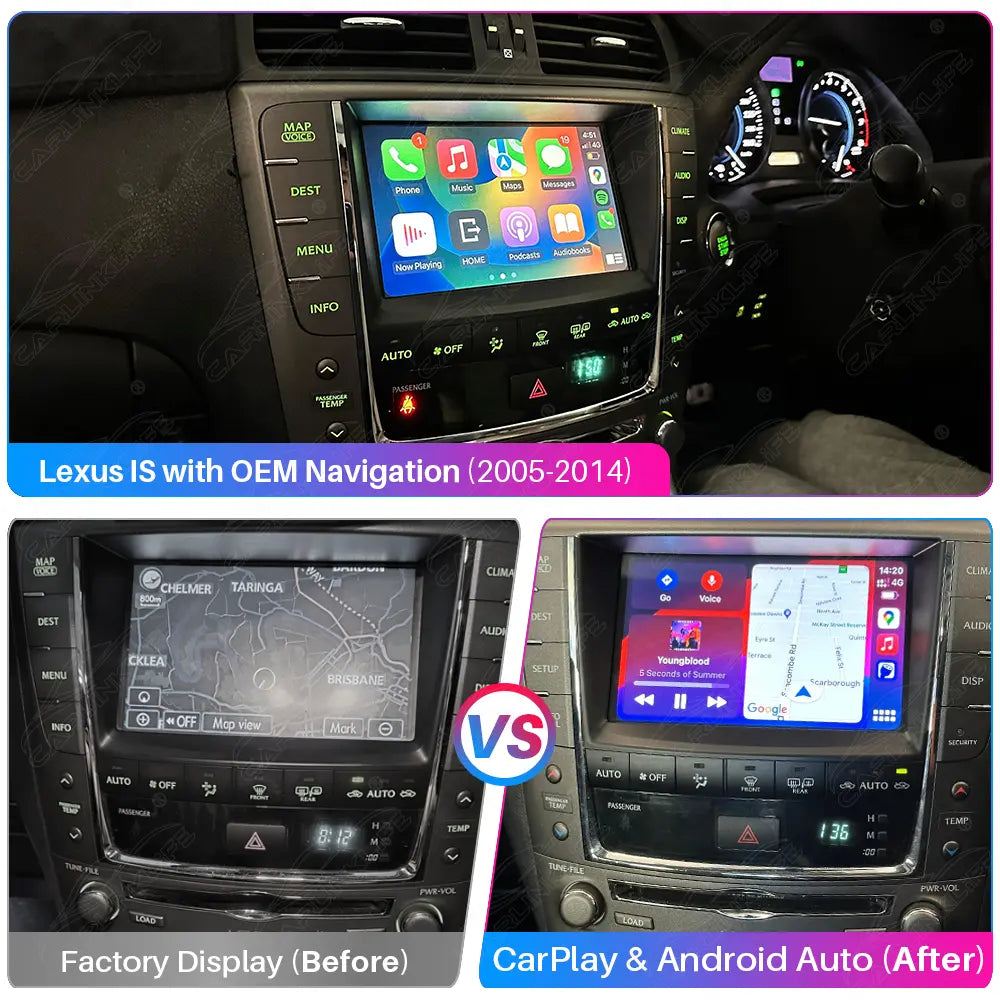
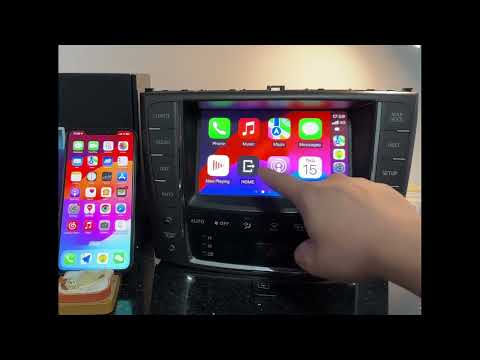
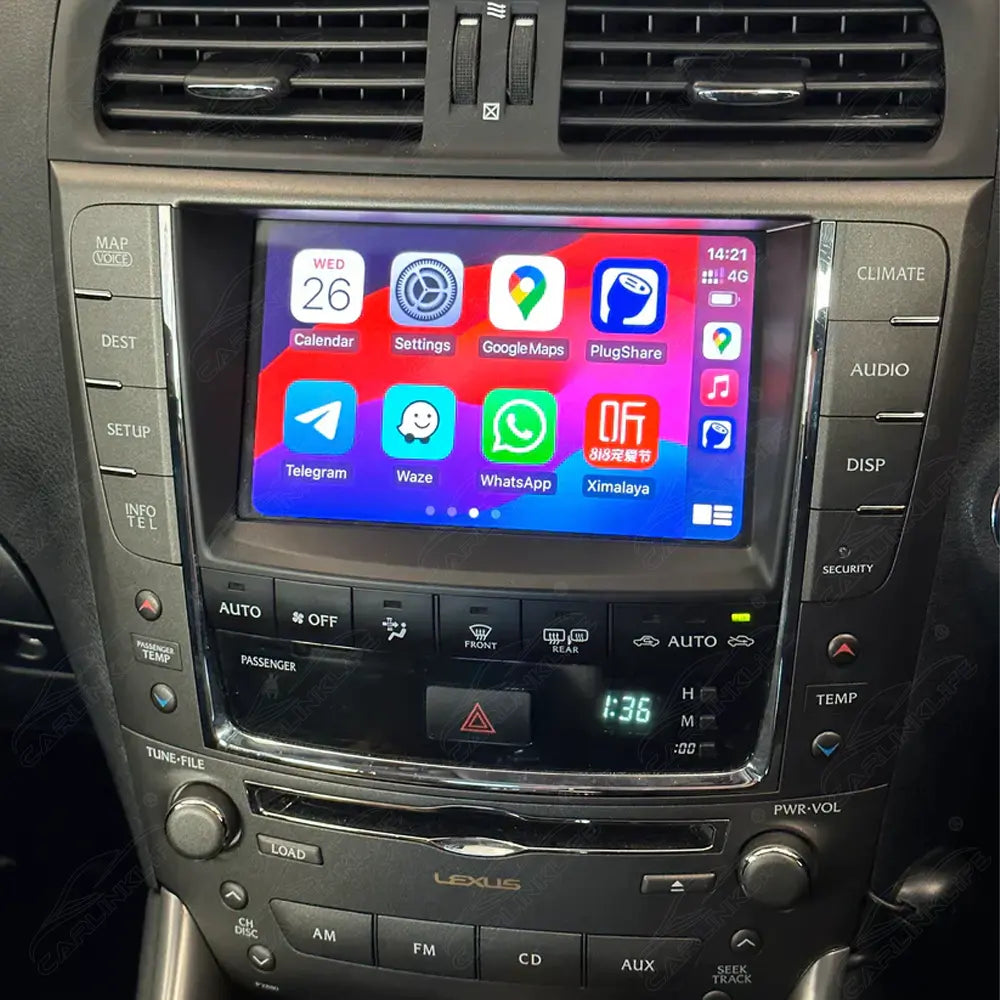
Upgrade your Lexus IS with modern smartphone connectivity while keeping your original factory display. This Wireless Apple CarPlay & Android Auto Retrofit Module integrates seamlessly with compatible Lexus IS factory infotainment systems, preserving the OEM appearance and original vehicle functions.
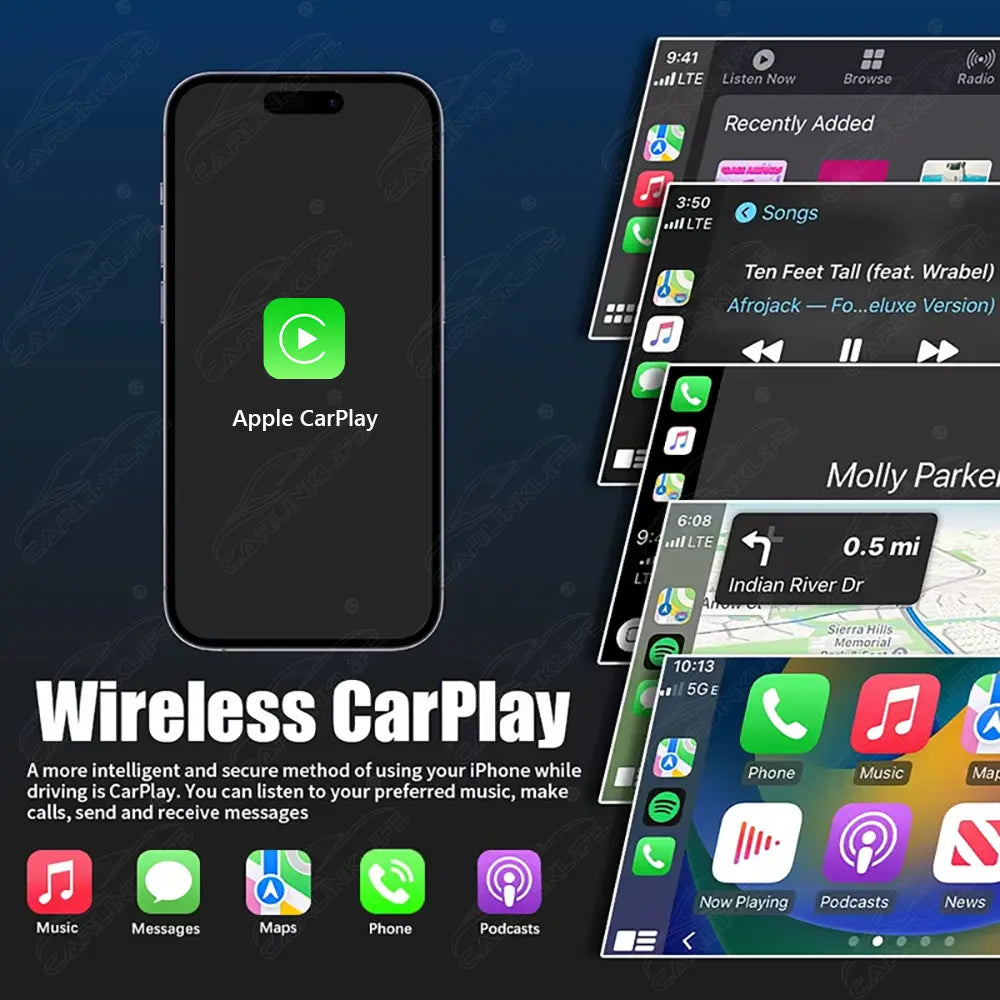
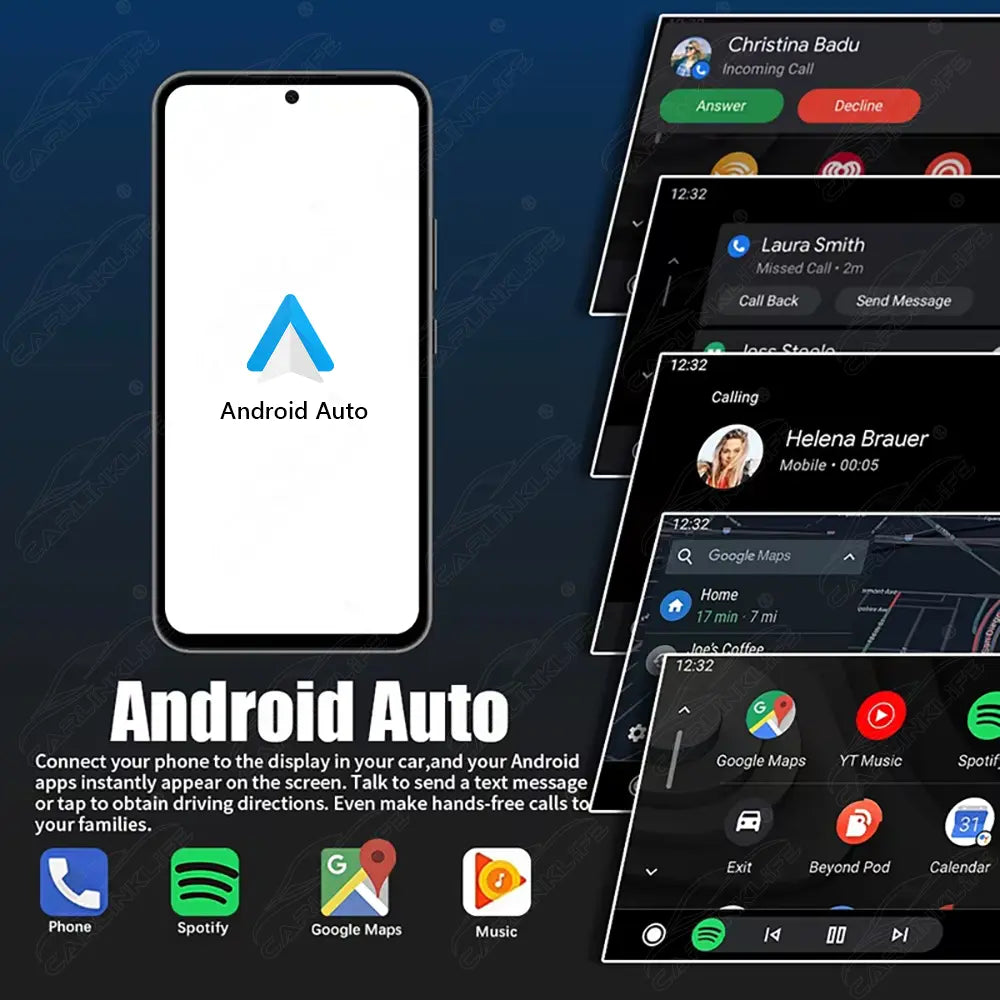
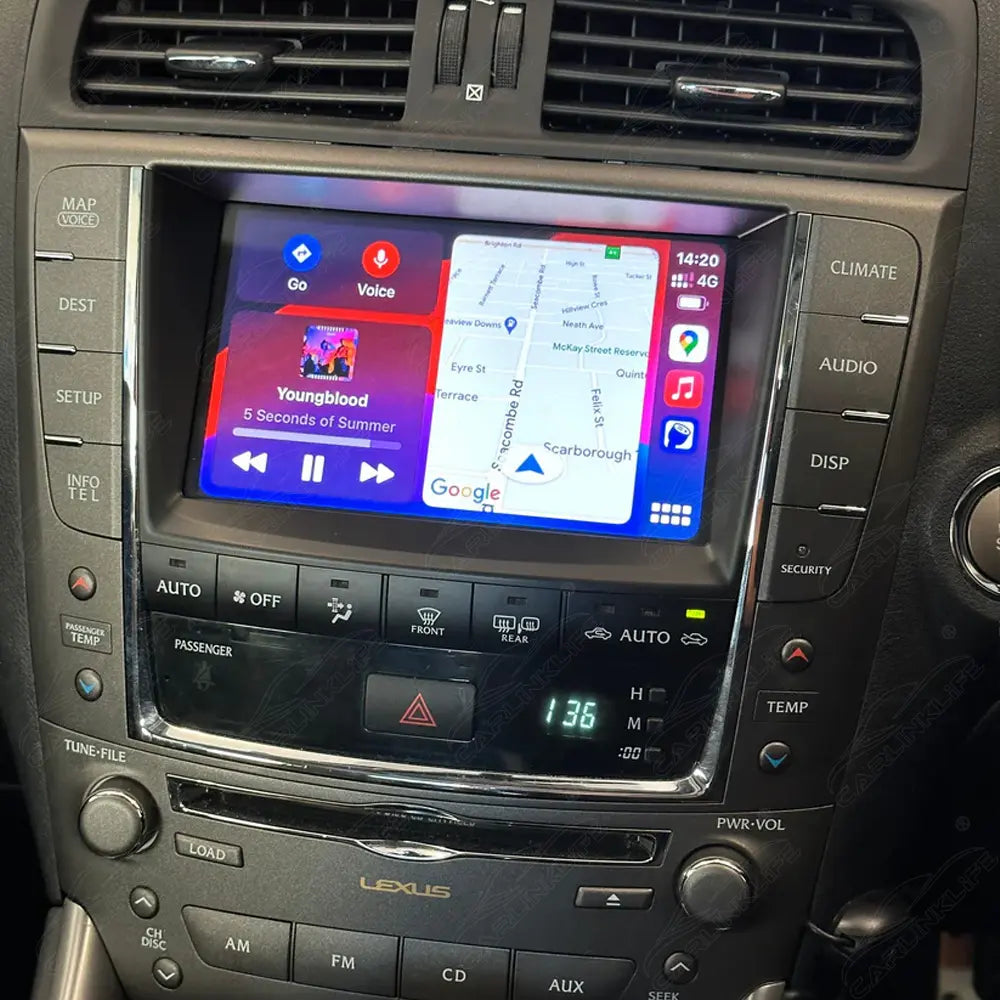
Enjoy Wireless Apple CarPlay, Wireless Android Auto, hands-free calling, music streaming, navigation, voice control, and compatible smartphone apps—all displayed on your original factory screen.
This product is available in multiple hardware versions. Simply send us a photo of your original dashboard before or after placing your order, and our technical team will confirm the correct version before shipping.
Key Features – Lexus IS Wireless CarPlay Retrofit Module
Upgrade your factory infotainment system with modern smartphone connectivity while maintaining the original OEM appearance.
- Designed for compatible Lexus IS models equipped with the factory navigation system
- Retains the original factory display and head unit
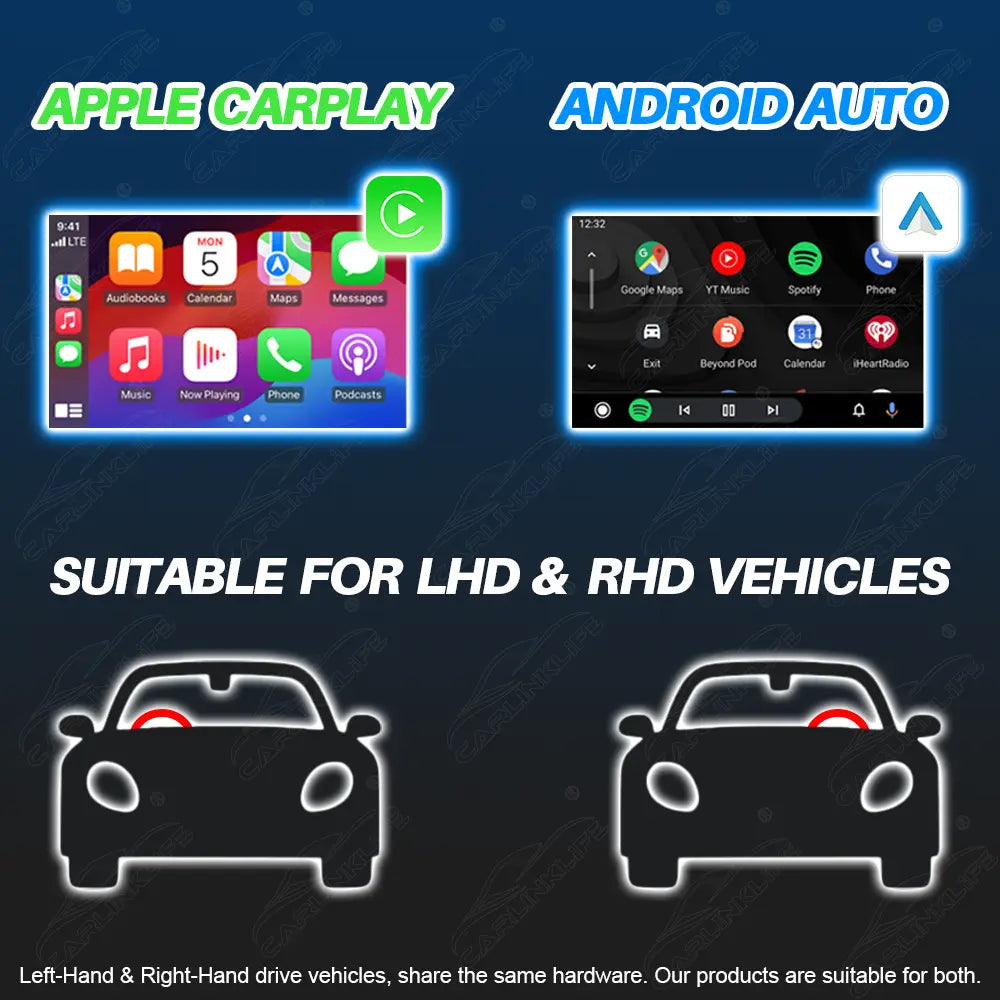
- Wireless Apple CarPlay
- Wireless Android Auto
- Seamlessly switch between the OEM interface and Apple CarPlay or Android Auto
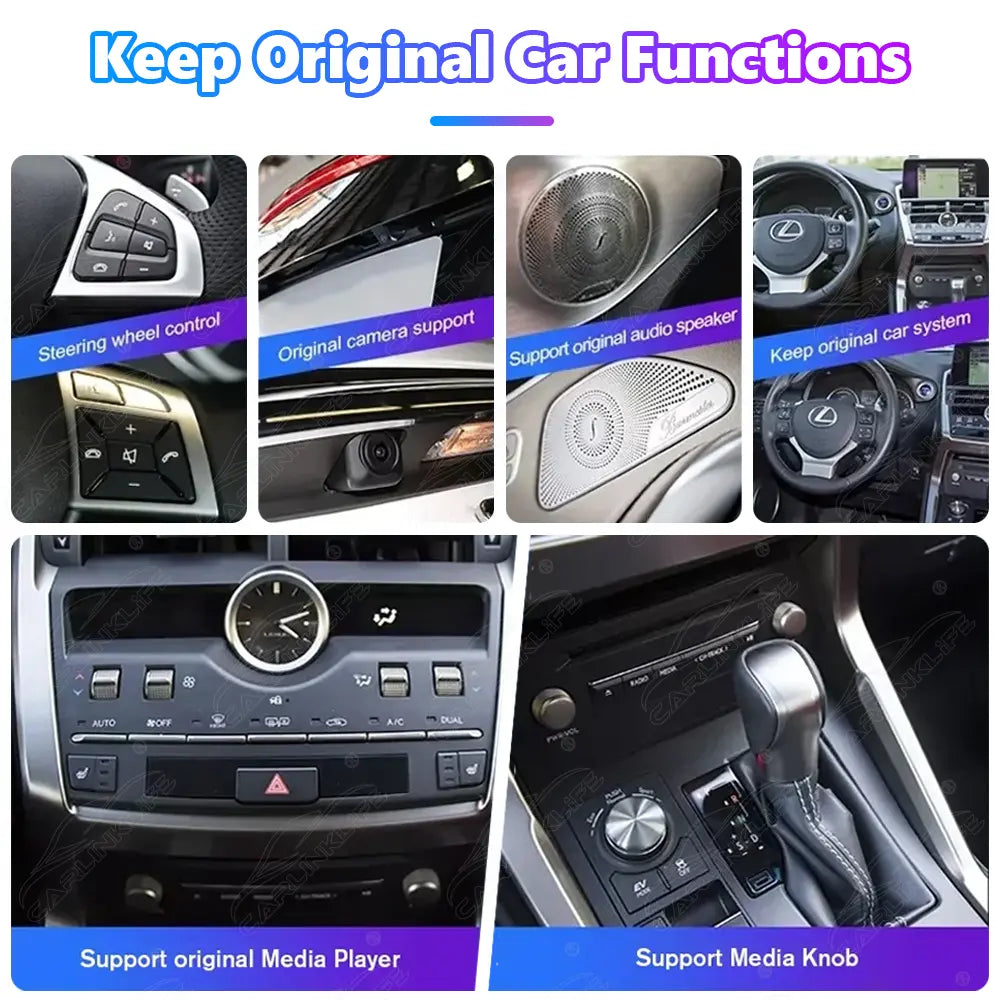
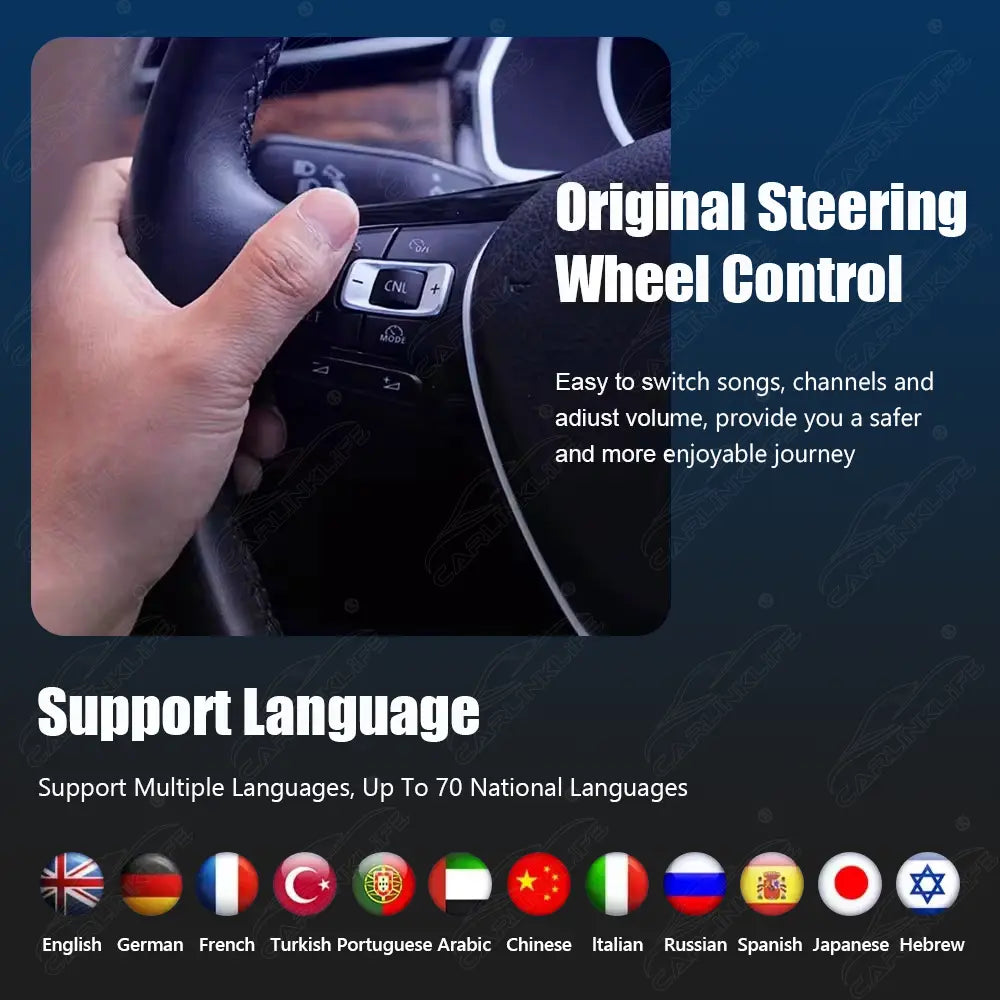
- Supports factory steering wheel controls
- Compatible with the original backup camera
- Retains factory audio and original vehicle functions
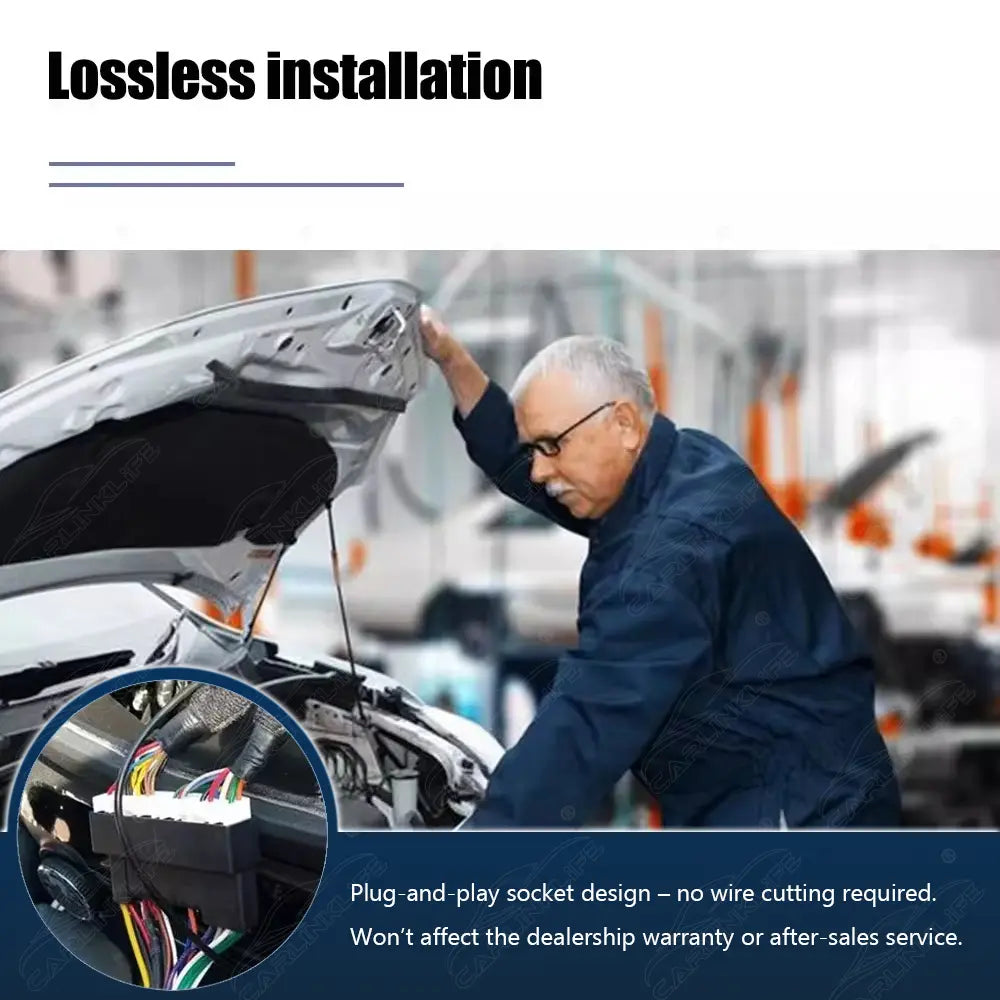
- Plug & Play installation with factory connectors
- No cutting, coding, or permanent modifications required
- Supports multiple on-screen languages
Wireless Apple CarPlay & Android Auto
- Wireless Apple CarPlay for iPhone
- Wireless Android Auto for Android smartphones
- Automatic connection after the initial pairing
- Voice control via Siri & Google Assistant
- Access navigation, phone calls, messages, and music directly from your factory screen
- Use compatible smartphone apps through Apple CarPlay or Android Auto, including Google Maps, Apple Maps, Waze, Spotify, Apple Music, WhatsApp, Audible, Podcasts, YouTube Music, and many more
Keep Your Original Lexus System
- Retains your original factory screen and dashboard
- Maintains the factory Lexus infotainment interface
- Supports original steering wheel controls
- Compatible with the factory backup camera
- Switch instantly between the OEM system and Apple CarPlay or Android Auto
- Preserves your vehicle's original appearance and functionality
Comparison: Factory System vs Wireless CarPlay Upgrade
| Feature | Factory System | CarPlay Retrofit Module |
|---|---|---|
| Display | Factory OEM Screen | Original Screen Retained |
| Apple CarPlay | Not Available | Wireless Apple CarPlay |
| Android Auto | Not Available | Wireless Android Auto |
| Navigation | OEM Navigation / Limited | Google Maps, Apple Maps & Waze via Apple CarPlay / Android Auto |
| Music Streaming | Limited | Spotify, Apple Music & More via Apple CarPlay / Android Auto |
| Voice Control | Limited | Siri & Google Assistant |
| Factory Functions | Supported | Fully Retained |
| Installation | Factory Only | Plug & Play |
Compatibility
| Compatible Vehicle | Factory System Required |
|---|---|
| Lexus IS (2005–2008) | Factory Navigation + AUX Not compatible with Japanese Domestic Market (JDM) vehicles. |
| Lexus IS (2009–2012 USA Version) | Factory Navigation |
| Lexus IS (2009–2012 Europe Version) | Factory Navigation + Camera Controller (with Parking Guidelines) |
| Lexus IS (2009–2012 Australia Version) | Factory Navigation + Camera Controller (with Parking Guidelines) |
| Lexus IS (2013–2014 Australia & Canada Only) | Factory Navigation |
Compatibility depends on your vehicle's model year, market, and factory infotainment system.
Not sure which version your vehicle has? Simply send us a clear photo of your original dashboard and infotainment screen before or after placing your order, and our technical team will verify compatibility before shipping.
Installation
- Easy Plug & Play installation
- Uses factory connectors
- No cutting, coding, or programming required
- Fully reversible installation
- Installation guide included
- Professional installation recommended

FAQ – Lexus IS Wireless Apple CarPlay Upgrade
Does this replace my factory screen?
No. This retrofit module works with your existing factory display, so your original screen, dashboard, and OEM appearance remain completely unchanged. It simply adds Wireless Apple CarPlay and Wireless Android Auto functionality to your factory infotainment system.
Does it support Wireless Apple CarPlay and Android Auto?
Yes. It supports both Wireless Apple CarPlay and Wireless Android Auto. After the initial setup, your smartphone connects automatically every time you start your vehicle.
Can I switch back to the original Lexus interface?
Yes. You can switch between the factory Lexus interface and Apple CarPlay or Android Auto at any time, allowing you to continue using all original vehicle functions whenever needed.
How do I know which version I need?
Lexus IS models use different factory infotainment systems depending on the model year and market (USA, Europe, Australia, or Canada). Simply send us a photo of your original dashboard and infotainment screen, and our technical team will identify the correct version before shipping.
Which apps can I use with Apple CarPlay or Android Auto?
When your smartphone is connected via Wireless Apple CarPlay or Android Auto, you can access compatible apps directly on your factory screen, including Google Maps, Apple Maps, Waze, Spotify, Apple Music, WhatsApp, Audible, Podcasts, YouTube Music, and many other apps supported by Apple CarPlay and Android Auto.
Will my steering wheel controls still work?
Yes. All original steering wheel controls are retained, allowing you to adjust volume, answer calls, change tracks, and activate Siri or Google Assistant just as you would with the factory system.
Will my factory backup camera still work?
Yes. Your original factory backup camera remains fully functional and automatically displays when reverse gear is engaged.
Will I lose any factory functions?
No. This module is designed to retain your factory infotainment system, steering wheel controls, original audio functions, and backup camera while adding Wireless Apple CarPlay and Android Auto.
Is installation difficult?
No. The module is designed for Plug & Play installation using factory connectors. No cutting, coding, or programming is required, and the installation is fully reversible if you ever wish to restore your vehicle to its original configuration. Professional installation is recommended for the best results.
Important Note
This product is available in multiple hardware versions. The correct version depends on your vehicle's model year, market, and factory infotainment system.
Please send a clear photo of your original dashboard and infotainment screen to Support@Carlinklife.com before or after placing your order. Our technical team will verify compatibility before shipping to ensure you receive the correct version.
Before You Buy – Important Notes
🔍 Unsure if it fits?
Please send us a photo of your car’s center console and radio screen—we will assist you in confirming compatibility.
Installation Advice:
The product is easy to install and comes with all necessary cables. However, basic automotive knowledge and hands-on skills are recommended. For best results, we strongly suggest professional installation.
Self-Installation Tips:
If you choose to install the product yourself, please turn off the car before installing it. Do not turn on the vehicle at any point during the installation process until it is fully completed. If you're unsure about where to connect the wiring harness, you can consult our customer support. A professional engineer will provide one-on-one installation guidance. NOTE:
- Keep Wi-Fi and GPS antennas away from metal and avoid placing them inside the console.
- Always test all features (especially the sound) before put everything back.
- Leave the new USB cable accessible outside for updates or file transfers.
- If you have any issues remember to take pictures or videos to show the wiring/settings and the issue.
We’re Here to Help:
If you run into any issues, please take clear photos or videos of your wiring and settings, and reach out to our expert support team at support@carlinklife.com. We’ll respond within 24 hours.
Shipping & Return Policy
Shipping
We can ship to virtually any address in the world. Note that there are some locations we are unable to ship to. If you happen to be from one of those countries we will contact you.
All orders will be fulfilled via our warehouse within 1-3 business days. Once your order has been shipped, you will receive an email notification of the shipping details.
Please ensure that your delivery address and mobile number is accurate before processing your order, to ensure your goodies gets to you as quickly as possible ;) We are not responsible for the incomplete/incorrect address information (Bad Address) entered by you as the customer.
We offer FREE international shipping as standard and Paid expedited express delivery option.
Please also note that if you do not live in a secure location please be wise about the shipping method you chose as free standard shipping couriers will not require a signature and packages will be left and any "secure" location deems fit to the mail carrier.
Parcel Tracking Site: https://www.17track.net/en
Return Policy
Please note that we can process returns and refunds only for items purchased from carlinklife.com.
You may return most new, unopened items within 30 days of delivery for a refund. We'll also pay the return shipping costs if the return is a result of our error (you received an incorrect item, etc.).
If your car models is in our list of compatible models and the product cannot work with your car, we will guarantee a refund of the product fees, after we receive the returned item without being damaged or tarnished.
Expedited Express Shipping is additional service, and we won't refund the fees.
We'll notify you via e-mail of your refund once we've received and processed the returned item.
If you need to return an item, please contact us first: support@carlinklife.com
30-Day Money Back Guarantee
You could refund your undamaged Carlinklife® Products purchased in 30 days. When we receive the returns and finish the inspection, the refund will be back in your account in 7-15 working days.
In order to get your refund successfully, you should know:
- Returns must include all accessories.
- Items must include original packaging.
- For non-quality related warranty claims, the buyer is responsible for shipping costs.
- For non-quality related warranty claims, Carlinklife® refunds 81% the cost of the product itself.
- Returns may be rejected if items do not meet the above requirements.
- 30-Day Money-Back Guarantee only could be requested within 30 days after you get the products. To get the service of 30-Day Money-Back Guarantee, you should contact the channel where you place the order.
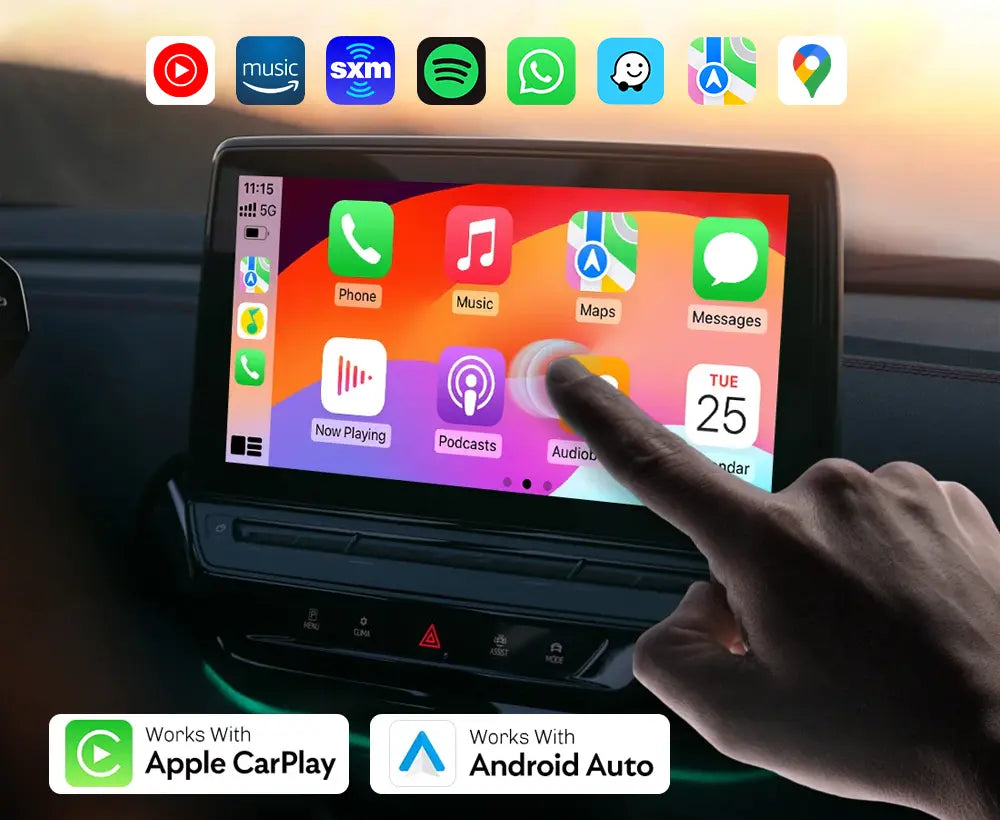
Upgrade to State-of-the-Art
Tired of your outdated infotainment system? Want a modern display with access to your favorite navigation, music, and video apps—like CarPlay, Android Auto, YouTube, Spotify, Google Maps, and more?
The Carlinklife® Carplay & Android Auto Upgrade delivers all of those things! With the Carlinklife® you will get it all—without buying a new car.
Experience a state-of-the-art driving environment without spending over $50,000 on a new vehicle to get the same experience!
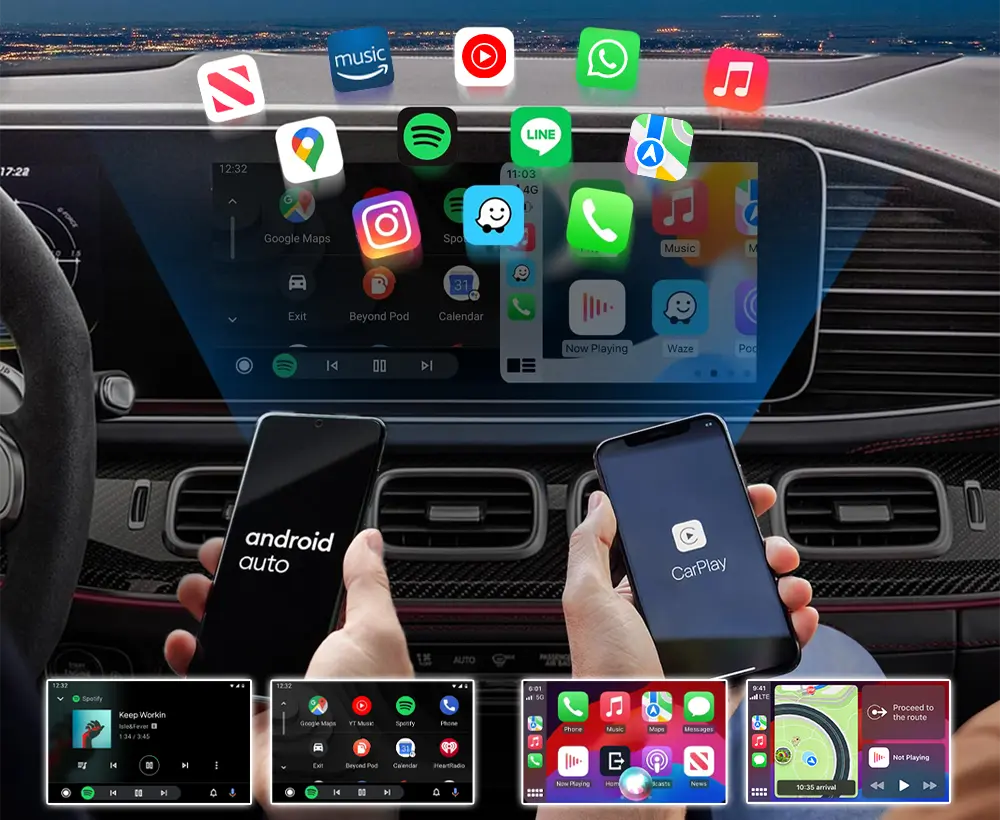
Seamlessly Connect Both
Frustrated that your phone and car don’t work together? Wishing your phone and car could easily connect, displaying your Spotify playlists, Google Maps locations, and Pandora podcasts on an easy-to-use screen?
That’s exactly what the Carlinklife® CarPlay/Android Auto Upgrade is built for — it acts as a natural extension of your phone inside your car.
You’ll effortlessly access all your favorite apps - all on your original screen, just like on your phone.
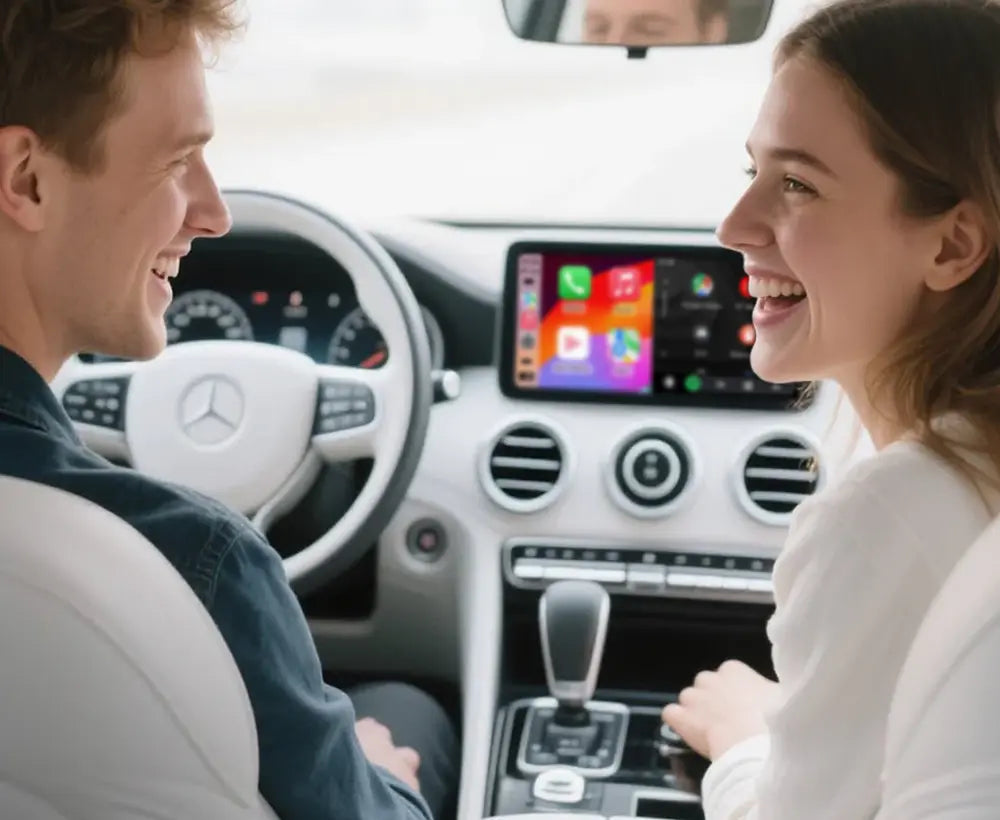
Make It Uniquely Yours
Tired of the same outdated radio? Craving a unique, personalized screen-display that elevates your driving experience and sets you apart?
With the Carlinklife® Carplay & Android Auto Upgrade, transform your interior into a customized space. Personalize your display with your own style: favorite background, apps, and more.
Imagine the wow factor when family and friends step into your car and see the modern screen-display — truly impressive and unmistakably yours!
Retain All The Factory Functions of Your Vehicle
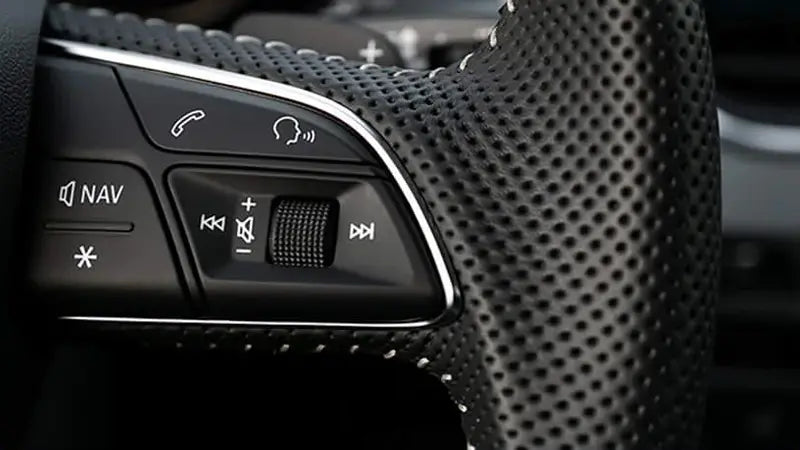
#1
Steering Wheel Controls
Fully supports original steering wheel buttons for volume, calls, and media control.
#2
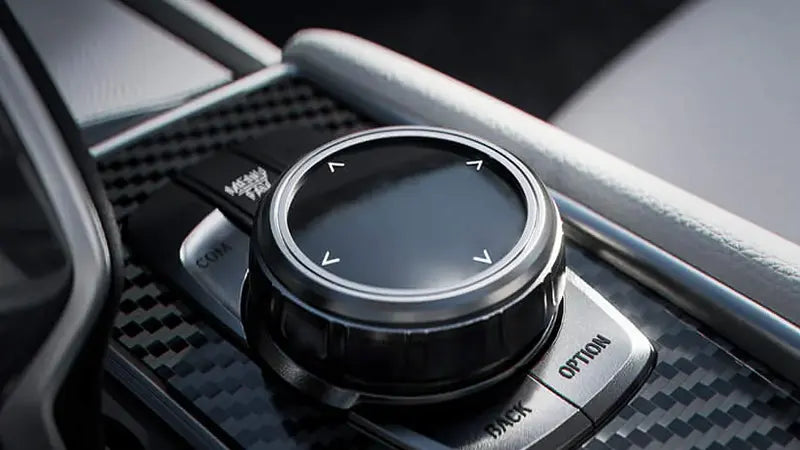
OEM Knobs & Controls
100% compatible with all factory head unit controls — no lag, no loss, just smooth operation.
#3
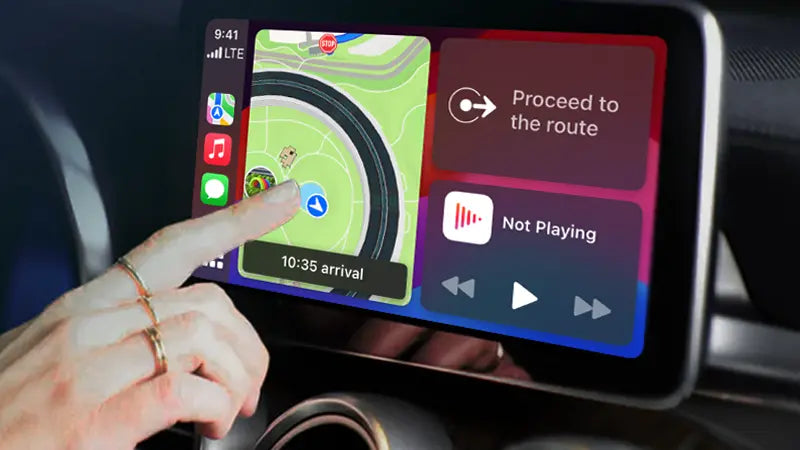
Retains Touch Function
Keeps your factory touchscreen (if any) fully functional for seamless interaction with the upgrade.
#4
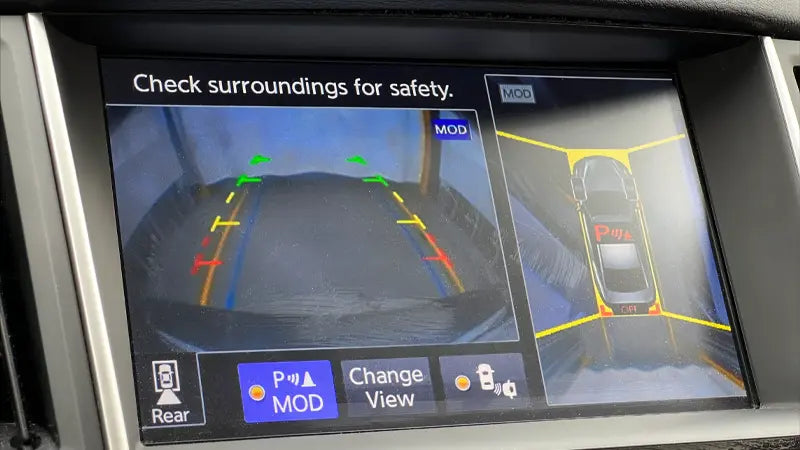
Factory Reverse Camera
Seamless integration with your backup camera — works just like before, no changes needed.
#5
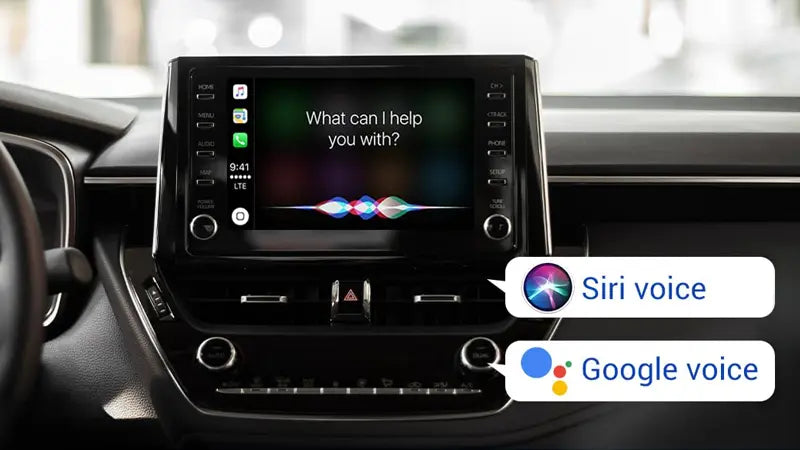
Hands-free Controls
Control calls, maps, and music with simple voice commands—drive easier, smarter and safer.
#6
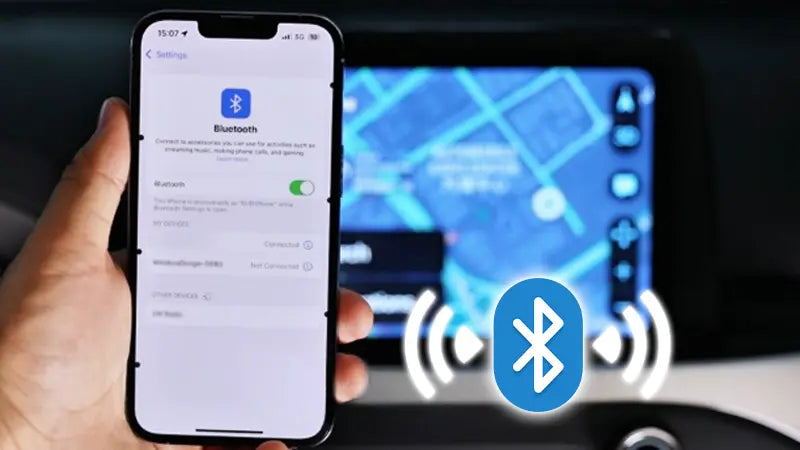
Enhanced BT Connection
Experience stronger, clearer Bluetooth for music, calls, and Apple CarPlay / Android Auto.
The 3 Guarantees: Protecting You

30 Days Shark-Infested-Waters Guarantee
If after 30 days of using our product you wouldn't jump into shark infested waters to keep the product, you can return it and receive a refund.
1 Year Manufacturer Warranty
With a 1-year warranty guarantee on our products, you get triple the protection per dollar spent than you would with a standard 3-year, $50,000 car warranty.
Lifetime Keep-Your-Car-Up-To-Date Software Updates
Free lifetime software updates ensuring your systems remains up-to-date with the latest features and compatibility enhancements.
FAQs
How do your prodcuts hook up to my car?
This depends on the vehicle and product that you purchase.
For OEM-Integration Modules - Generally one connector will go to your screen and two connectors will go to your headunit/radio. (This varies on each vehicle)
For Tesla-Style Screens - Generally factory connectors will go to our Tesla-Style Unit.
For Android Screens - Generally factory connectors will go to our Android Screens.
For LCD Digital Cluster - Generally factory connectors will go to our LCD Digital Cluster.
For Ambient Lighting - Generally factory connectors will go to our Ambient Lighting.
ForCarlinklife® CarPlay Box - It connects to your vehicle USB port!
Most of our looms/connectors are prepped to be a 'Plug N Play' style, ensuring for an easy-to-do installation. There is no cutting or splicing with our modules.
Note: On some of our new products, some wiring may be required. We provide step-by-step video guidance for when it is the case.
Please also note: Not all vehicles are the same, some might require more work than others. For example: some cars might require an additional board installed in the factory screen, which we provide.
Want to check? Contact us!
If my original screen is broken or damaged, will the Carplay Upgrade fix it?
No! The Carplay Upgrades connects to your factory screen. If the factory screen is broken, cracked or does not work, the Carplay Upgrades won't fix it. It's necessary that the factory screen works normally for the Carplay Upgrades to also work normaly.
Want to check? Contact us!
If my sound system is damaged or doesn't work properly, will the Carplay Upgrade fix it?
Sadly no! The Carplay Upgrade connects to your factory screen and the entirety of the vehicles system. If some of its component does not work properly, then the Carplay Upgrade will also not work properly under that specific part of the vehcile. It's necessary that the sound system works normally for the Carplay Upgrade to also work normaly.
Is the touch screen feature compatible with the CarPlay Upgrade?
Yes! If your vehicle initially had touch screen capabilities, then this feature will remain intact! Some packages for Nissan, Infiniti, Lexus, Toyota, include a new HD touchscreen in the advanced packages. (Replacing the OEM screen)
Can l use my Factory/OEM Controls & Buttons with the CarPlay Upgrade?
Yes! Absolutley! With the exception of some buttons on certain vehicles. When we designed our OEM-Integration Modules, the main intention was to allow users to enjoy aftermarket features while maintaining their vehicle factory features.
Please Note: Some steering wheel controls may not function with specific cars.
Please Note: Some vehicles only allow control via touch screen.
Want to check? Contact us!
Will my factory cameras work like normal?
Yes, same behaviour as it would from factory. Nothing changes. Your factory cameras will still override anything on the screen.
Just another great feature that Carlinklife® products allow you to keep, without the need of cutting, rewiring or any of the sorts.
Note: Some vehicles have different signals and may require hardwiring.
Want to check? Contact us!
How do l toggle between CarPlay and my vehicle's original system?
On some modules, a dedicated switch is provided and will need to be installed to do this. On some, a series of button clicks on your existing system toggle it from original system to Carplay.
Want to check? Contact us!
How does the Carplay Upgrade project sound?
The Carplay Upgrade uses your vehicle's existing AUX input. Please ensure that your vehicle has this option before purchasing and installing the Carplay Upgrade.
My car is in a different language, will the CarPlay Upgrade still work?
Yes! Languages on factory vehicles are seperate to the CarPlay Upgrade. Our products will still work with your Vehicle. You may also select your own language on Apple CarPlay & Android auto (Through your phone)
Want to check? Contact us!
Are there any software updates for the Carplay Upgrade?
Yes! In rare cases where you encounter software glitches (even when new) with the Apple Carplay Upgrade, we provide you a software update in order to fix the issue. You will need a Windows computer and a USB thumb drive to do a software update.
Please note that we only provide the software and instructions. The hardware, as well as execution of the update, is the customer’s responsibility.
Want to check? Contact us!
Does the CarPlay Upgrade work, while the vehicle is moving?
Yes! All of our products have built-in motion bypass, so you do not need to worry about any anti-brake bypass or coding. Our products will still provide their wonderful features, while the car is still moving!
Do you provide a new microphone?
Some of our products will use your existing microphone, others, we will provide an aftermarket microphone.
Some other products do not require a microphone, and you will continue to operate your factory system like normal.
Check before ordering - Contact us!
Can l do a DlY install?
Yes! You sure can! We provide installation guides and videos for customers who prefer a DIY installation. We can even include a DIY tool kit with your order (available at an additional cost) to ensure you have everything you need.
NOTE: While these resources are available, we recommend professional installation if you're not fully comfortable with DIY. This helps prevent potential issues and ensures optimal performance.
Is anything in my vehicle jeopardised?
No! Our system allows you to switch back and forth with a click of button. Wether you'd like to choose our system or the factory system for a specific trip, you're welcome to do that! It acts like a Desktop/Background Switcher! This system is another great reason, to not void any warranty from your dealerdship!
Do you provide Support or Technical Assistance?
Yes, we certainly do! Contact us at support@carlinklife.com and our Customer Service Team would be happy to assist you with troubleshooting or install assistance - both through email, WhatsApp and/or WeChat Video Call!
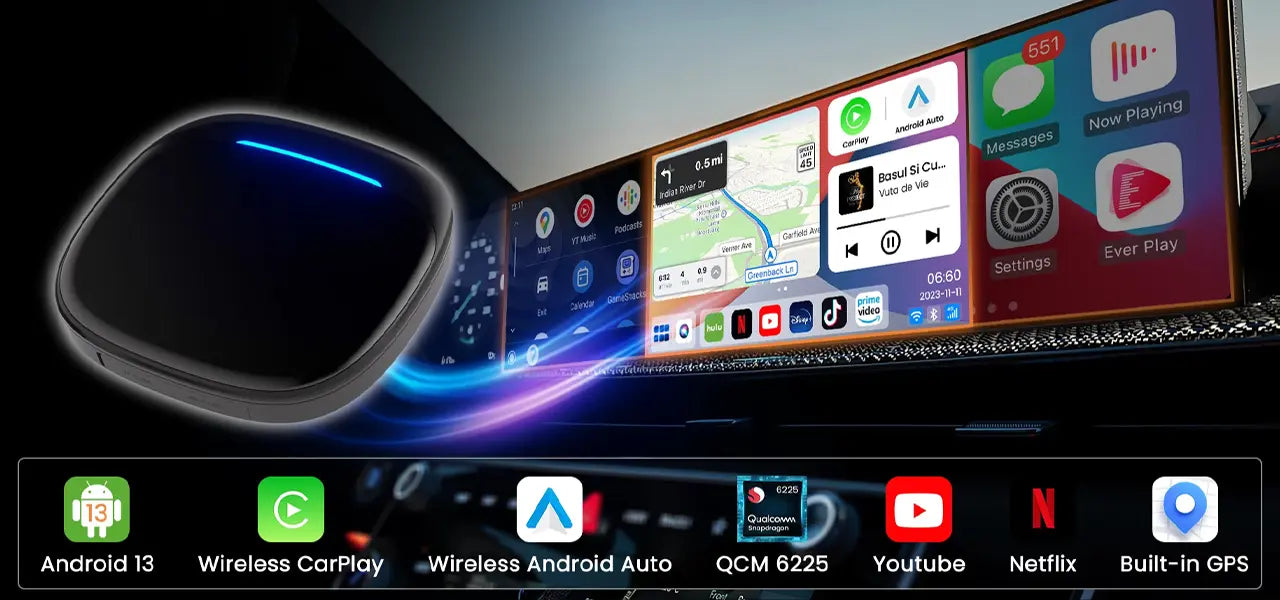
Own a vehicle with Factory Carplay?
Turn your vehicle factory screen, into a smart TV or add Android Auto!
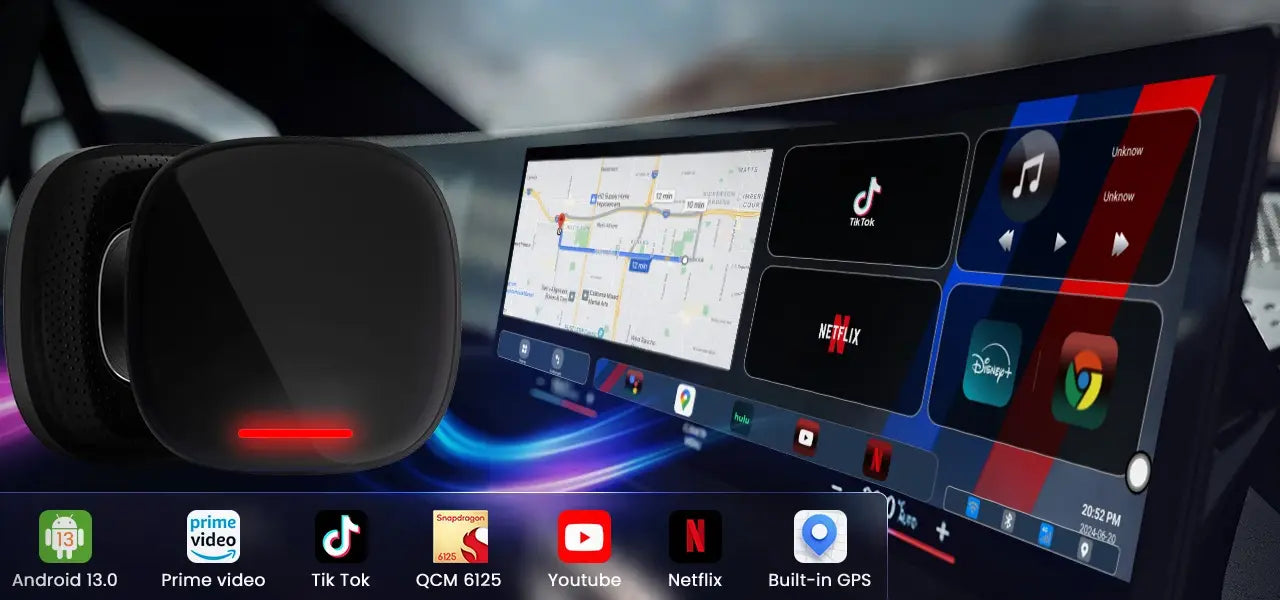
Upgrade your BMW's Infotainment
Wirelessly access YouTube, Netflix, and more on your BMW's display with BMW Magic Box.
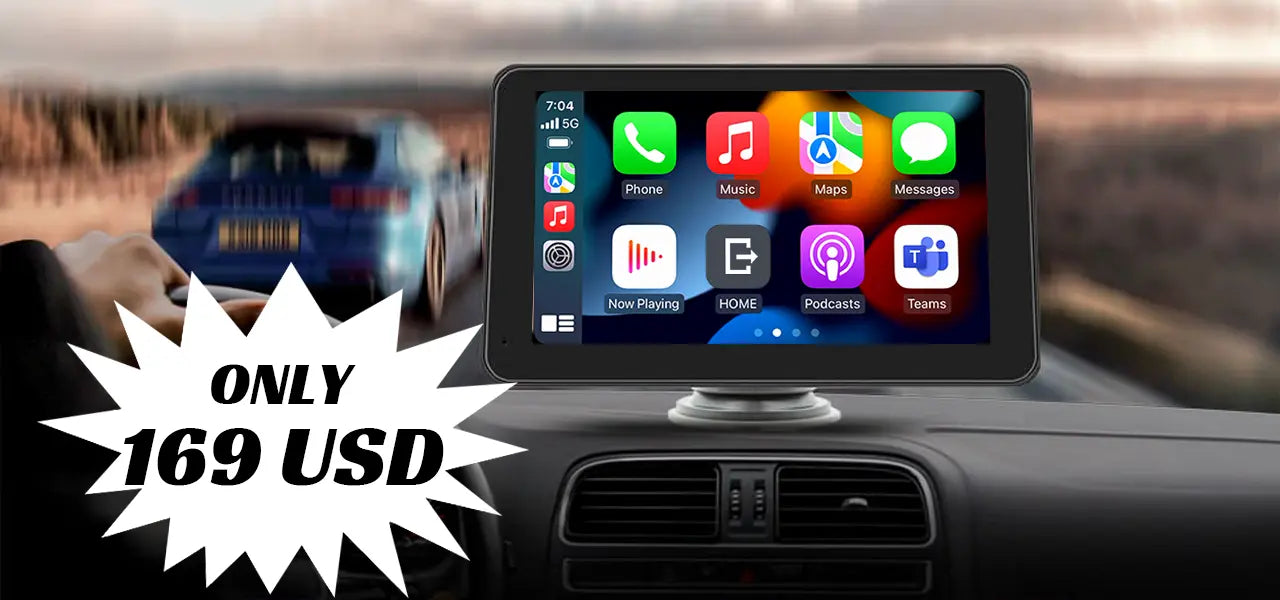
How about going portable?
2 minute set-up. Portable Apple CarPlay & Android Auto, in any car, anytime.